DrugHub Market Access Guide — Tor & Security Setup
This guide walks you through every step needed to access the DrugHub marketplace safely. From installing Tor Browser and setting up Tails OS to generating PGP keys and configuring your Monero wallet, each section covers what you need to connect to the darknet market with full privacy protection. Follow the steps in order if you are a first-time buyer, or skip to any section if you already have part of the setup in place.
Tor Browser Installation Guide for DrugHub Market Access
The Tor Browser is the only browser that can open .onion addresses, which means it is the only way to access the DrugHub marketplace. Tor works by routing your internet traffic through three encrypted relays run by volunteers worldwide. This process hides your real IP address from the hidden service you are visiting and prevents your internet provider from seeing which sites you open. Without Tor, your browser cannot resolve onion URLs at all. Every mirror runs as a Tor hidden service, so standard browsers like Chrome or Firefox will return an error if you paste an onion link into them. You can find the latest DrugHub onion URLs on our verified links page.
Download Tor Browser
Always download Tor Browser from the official Tor Project download page and nowhere else. Third-party download sites sometimes distribute modified versions that contain spyware or log the onion addresses you visit. The official Tor Project site provides installers for Windows, macOS, and Linux. The download is around 100 MB and the installation takes less than two minutes on any platform. After the download finishes, verify the file signature using the instructions on the Tor Project website before running the installer. This confirms the file has not been tampered with during transfer.
Windows Installation
Run the downloaded .exe installer and choose your preferred language. Select an installation directory — the default works for most users. Once installed, launch Tor Browser from the desktop shortcut. The first time it opens, it will ask whether you want to connect directly or configure a bridge. For most locations, direct connection works without issues. If you are in a country that blocks Tor traffic, select the bridge option and choose one of the built-in bridge types like obfs4 or Snowflake. These disguise your Tor traffic to look like normal encrypted web traffic.
macOS Installation
Open the downloaded .dmg file and drag the Tor Browser icon into your Applications folder. Launch it from Applications or Spotlight search. macOS may display a security prompt the first time because Tor Browser is not distributed through the App Store. Open System Settings, go to Privacy & Security, and click "Open Anyway" next to the Tor Browser entry. After launch, the connection dialog works the same way as on Windows.
Linux Installation
Extract the downloaded .tar.xz archive to a directory of your choice. Open a terminal, navigate to the extracted folder, and run ./start-tor-browser.desktop. On most distributions, you can also double-click the file from your file manager. Linux users on Debian or Ubuntu can alternatively install the torbrowser-launcher package through apt, which handles downloads and signature verification automatically.
Security Settings Configuration
After Tor Browser connects, click the shield icon in the toolbar and select "Settings." Set the security level to Safest. This disables JavaScript entirely and blocks certain fonts and media types that have been used in past deanonymization attacks. The marketplace is designed to work at the Safest security level, so you will not lose any functionality. Keeping JavaScript disabled is the single most effective browser-level protection when accessing any darknet platform or hidden service.
For background on how the Tor network operates, see the Tor network article on Wikipedia. The Electronic Frontier Foundation also publishes guides on anonymous browsing and digital privacy rights.
Tails OS Setup for Maximum DrugHub Privacy
Running Tor Browser on your everyday operating system still leaves traces. Browser history, temporary files, DNS caches, and swap files can all contain evidence of the onion URLs you visited. Tails OS solves this problem by running entirely from a USB drive and routing every network connection through Tor by default. When you shut down Tails, everything in RAM is wiped and the host computer retains no record of your activity. Many experienced marketplace users treat Tails as the minimum requirement for accessing the market, not an optional upgrade.
Download and Verify the Tails ISO
Go to the official Tails website and download the USB image for your platform. The site provides a built-in verification tool that checks the download against a known-good signature directly in your browser. Alternatively, you can verify the image manually using GnuPG by importing the Tails signing key and running gpg --verify on the downloaded .sig file. Never use a Tails image that you cannot verify, as a modified image could log your keystrokes and send them over the network while appearing to function normally.
Create a Bootable USB Drive
You need a USB drive with at least 8 GB of storage. On Windows, use the Tails installer or Etcher to write the image. On macOS and Linux, you can use Etcher or the dd command. After writing, reboot your computer and enter the BIOS or boot menu (usually by pressing F12, F2, or Delete during startup). Select the USB drive as the boot device. Tails will load its desktop environment directly from the USB without touching your hard drive.
Configure Persistent Storage
Tails normally erases everything at shutdown, but Persistent Storage lets you save selected data between sessions in an encrypted partition on the same USB drive. Enable it through the Tails welcome screen after first boot. You can choose to persist your PGP keys, bookmarks, network connections, and additional software packages. The encryption password protects this partition — choose a strong passphrase of at least 20 characters. With Persistent Storage active, your PGP keys and Tor Browser bookmarks survive reboots while everything else is still wiped clean.
Connect to Tor and Access DrugHub
After Tails boots, it automatically connects to the Tor network. Open the included Tor Browser and paste a verified onion URL into the address bar. Because Tails forces all traffic through Tor at the operating system level, there is zero chance of an accidental clearnet leak. Even if a program tried to connect directly to the internet, the Tails firewall would block it. This level of network isolation is why Tails is the preferred environment for accessing any darknet marketplace or hidden service.
Read the EFF Surveillance Self-Defense guide for more information on threat modeling and choosing the right tools for your situation. You can also find additional security recommendations on our home page.
PGP Encryption Key Generation & DrugHub Verification
PGP encryption is the backbone of secure communication on the DrugHub marketplace. Every vendor and buyer who takes security seriously uses a PGP key pair. Your public key lets vendors send you encrypted messages that only you can read, and your private key lets you sign messages to prove your identity. On the marketplace platform, PGP also serves as a second factor for authentication — without your private key, nobody can log into your account even if they know your password. Beyond account protection, PGP lets you verify that marketplace mirror links are authentic. The DrugHub official verification page provides the public key and signed resources.
Install GnuPG on Your System
GnuPG (also known as GPG) is the standard open-source implementation of the OpenPGP protocol. On Linux distributions, GnuPG is typically pre-installed. On Windows, download and install Gpg4win from the official site, which includes the Kleopatra graphical frontend for managing keys. On macOS, install GPG Suite or use Homebrew with brew install gnupg. If you are running Tails OS, GnuPG is already included and ready to use. Once installed, open a terminal and run gpg --version to confirm the installation is working.
Generate Your 4096-Bit RSA Key Pair
Open a terminal and run gpg --full-generate-key. Select RSA and RSA as the key type, set the key size to 4096 bits for maximum security, and choose an expiration period (one year is a common choice that balances security with convenience). Enter a pseudonymous name and email address — do not use your real identity. Set a strong passphrase that you will remember but that nobody could guess. After generation, run gpg --list-keys to see your new key. Export your public key with gpg --armor --export "YourKeyName" and save the output. You will paste this public key into your marketplace account settings to enable PGP-based 2FA and encrypted messaging.
Import the Official DrugHub Public Key
The marketplace team publishes their official signing key on multiple trusted sources including the Dread subdread, Dark.fail, and the official DrugHub information site. Save the key to a file named drughub-market.asc and import it with gpg --import drughub-market.asc. After importing, run gpg --fingerprint "DrugHub" and compare the fingerprint against at least two independent sources. If the fingerprint matches across all sources, the key is legitimate. If there is any mismatch, delete the key and investigate before proceeding.
Verify DrugHub Mirror Links with PGP Signatures
Every time the marketplace team publishes updated mirror URLs, they include a detached PGP signature file. Download both the mirror list and the .sig file, then verify with gpg --verify mirrors.txt.sig mirrors.txt. A "Good signature" result confirms the mirror list is authentic and has not been modified since the marketplace team signed it. Only use onion URLs that appear in a verified mirror list. Visit the verified mirror links page for the latest checked mirror URLs, or check the official verification page for additional signed resources.
Monero Wallet Configuration for DrugHub Payments
DrugHub uses Monero (XMR) as its primary cryptocurrency for all transactions. Unlike Bitcoin (BTC), where every transaction is recorded on a public blockchain that anyone can analyze, Monero uses ring signatures, stealth addresses, and confidential transactions to make payments truly anonymous. Neither the sender nor the receiver can be identified by looking at the Monero blockchain. This privacy-by-default design is why DrugHub and most other darknet marketplace platforms have moved to Monero over the past several years. Setting up a wallet takes about ten minutes.
Download the Official Monero Wallet
The official Monero Project distributes both a GUI (graphical) wallet and a CLI (command-line) wallet. The GUI wallet is suitable for most users, while the CLI wallet offers more control for advanced users who prefer working in a terminal. Download the wallet from getmonero.org and verify the download signature using the PGP key published on the same page. For Tails users, the Feather Wallet is a lighter alternative that supports Tor natively and does not require syncing the full Monero blockchain. Whichever wallet you choose, always download from the official source to avoid trojanized versions that steal your seed phrase.
Create Your Wallet and Secure Your Seed
When you create a new Monero wallet, the software generates a 25-word mnemonic seed phrase. This seed is the master key to your funds. Write it down on paper and store the paper in a physically secure location. Never save it in a text file, screenshot, cloud service, or password manager that is connected to the internet. If someone obtains your seed phrase, they can reconstruct your wallet and take every XMR in it. After writing down the seed, the wallet will begin syncing with the Monero blockchain. A remote node connection is faster than downloading the full chain, and using a Tor-routed remote node keeps your IP address hidden from the node operator.
Acquire XMR Without KYC Verification
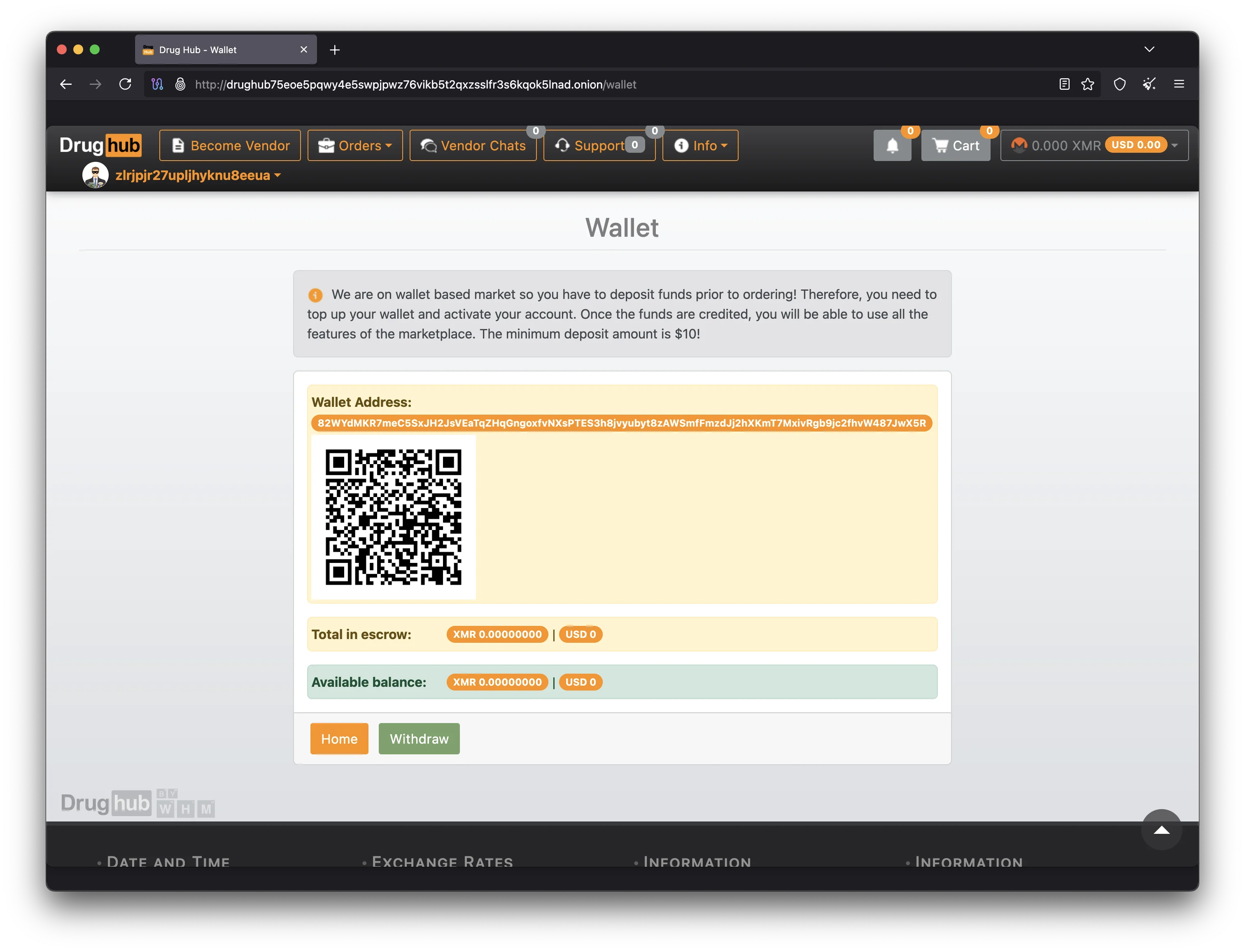
To preserve your privacy when funding your marketplace wallet, acquire Monero through methods that do not require identity verification. Peer-to-peer exchanges, cryptocurrency ATMs that accept cash, and direct swaps from Bitcoin to Monero using decentralized exchange services are common approaches. If you already hold BTC, atomic swap tools allow you to convert Bitcoin to Monero without any intermediary. Once you have XMR in your personal wallet, you can send it to the deposit address shown in your marketplace account. The escrow system holds your funds securely until the order is confirmed, and multisig escrow is available for higher-value transactions where both the buyer and the vendor must sign to release funds.
For general information about Bitcoin and cryptocurrency basics, visit bitcoin.org. While the platform primarily uses Monero, understanding BTC is still useful because many users convert between the two currencies.
Accessing DrugHub Market — Registration & Login
With Tor Browser installed, your PGP key pair generated, and your Monero wallet ready, you have everything needed to access the marketplace and create your account. The registration process is designed to be straightforward while giving you all the tools to protect your account from the start. The marketplace supports both buyer and seller accounts, and every new account gets access to the full escrow system on their first purchase.
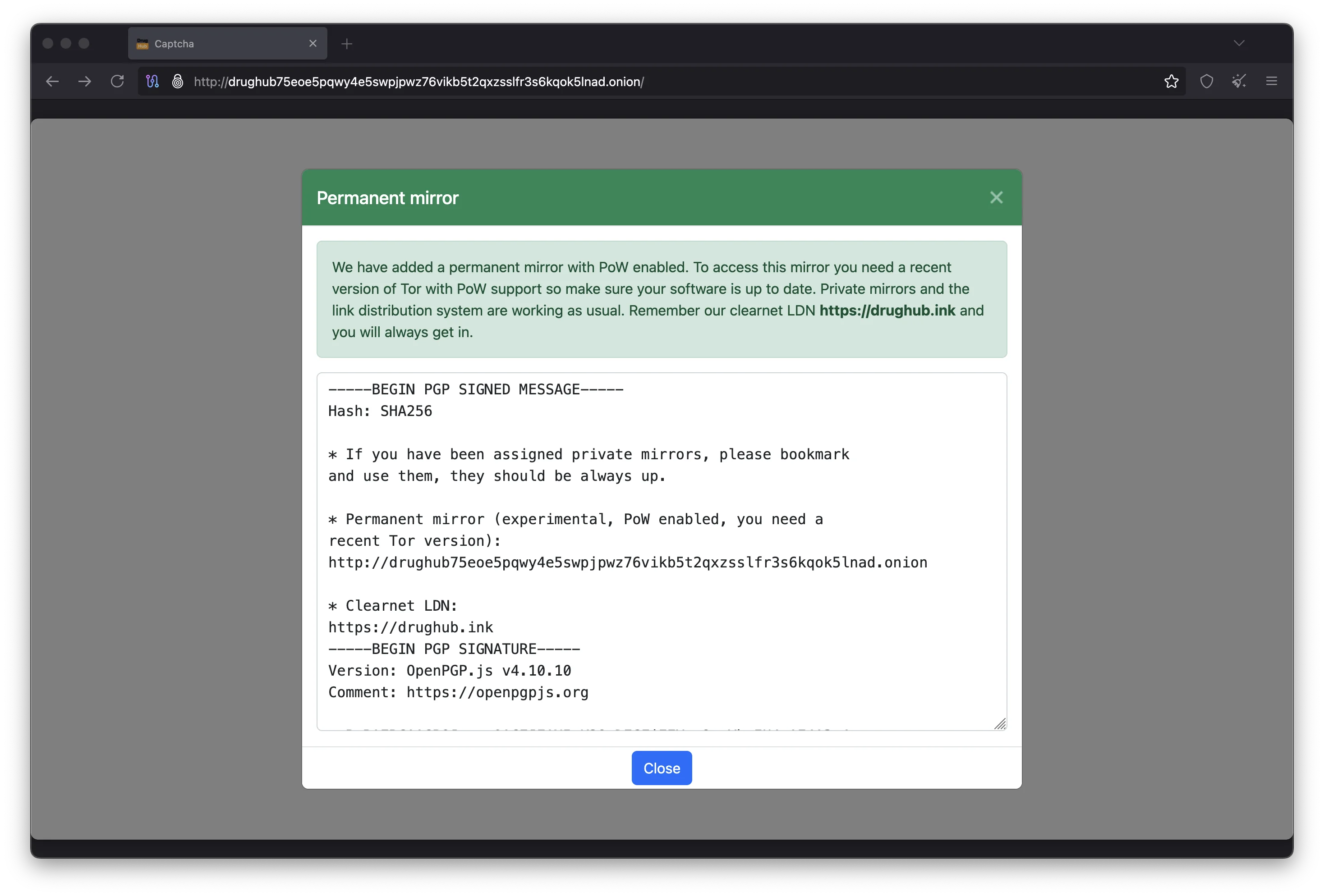
Navigate to a Verified DrugHub Onion URL
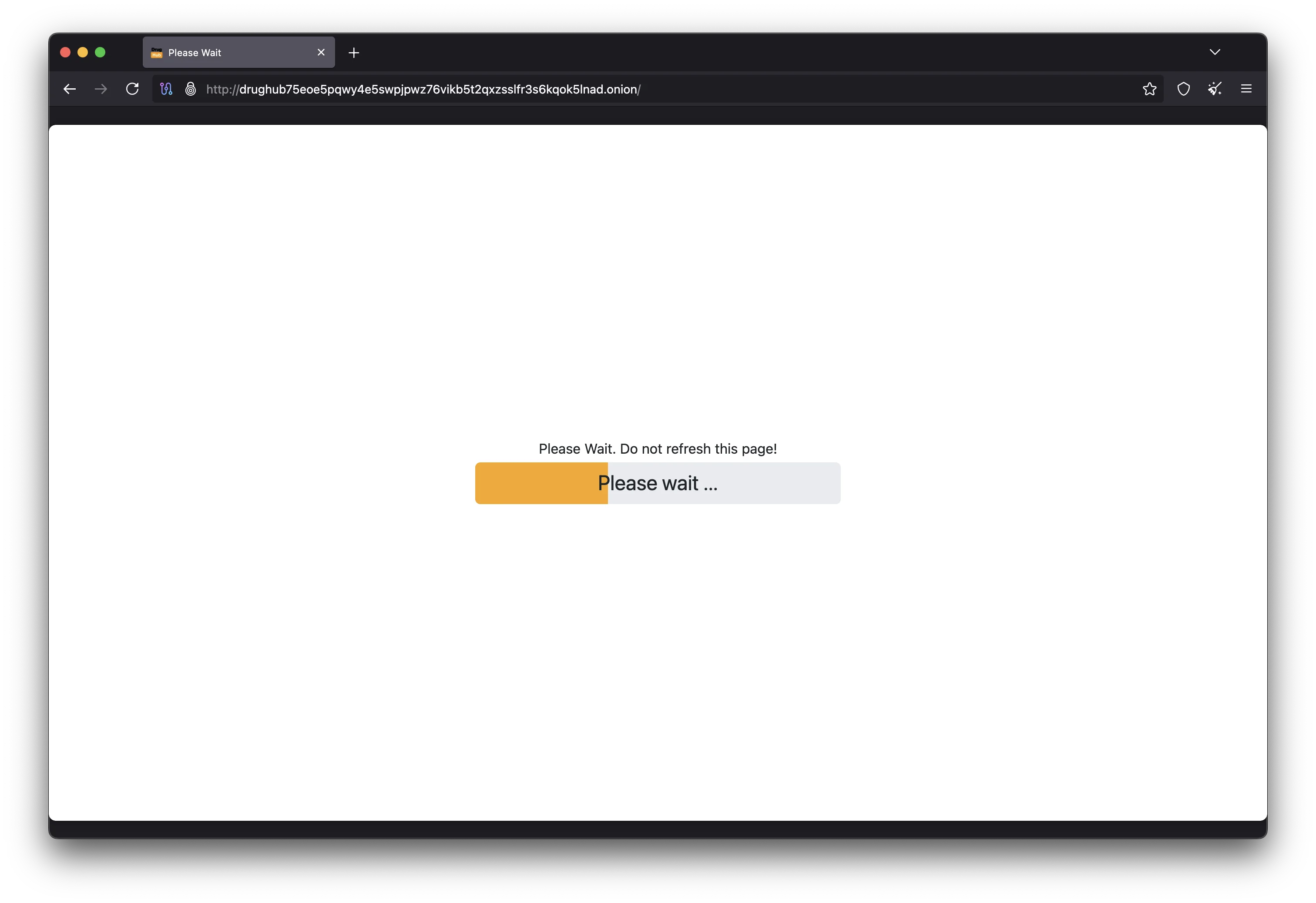
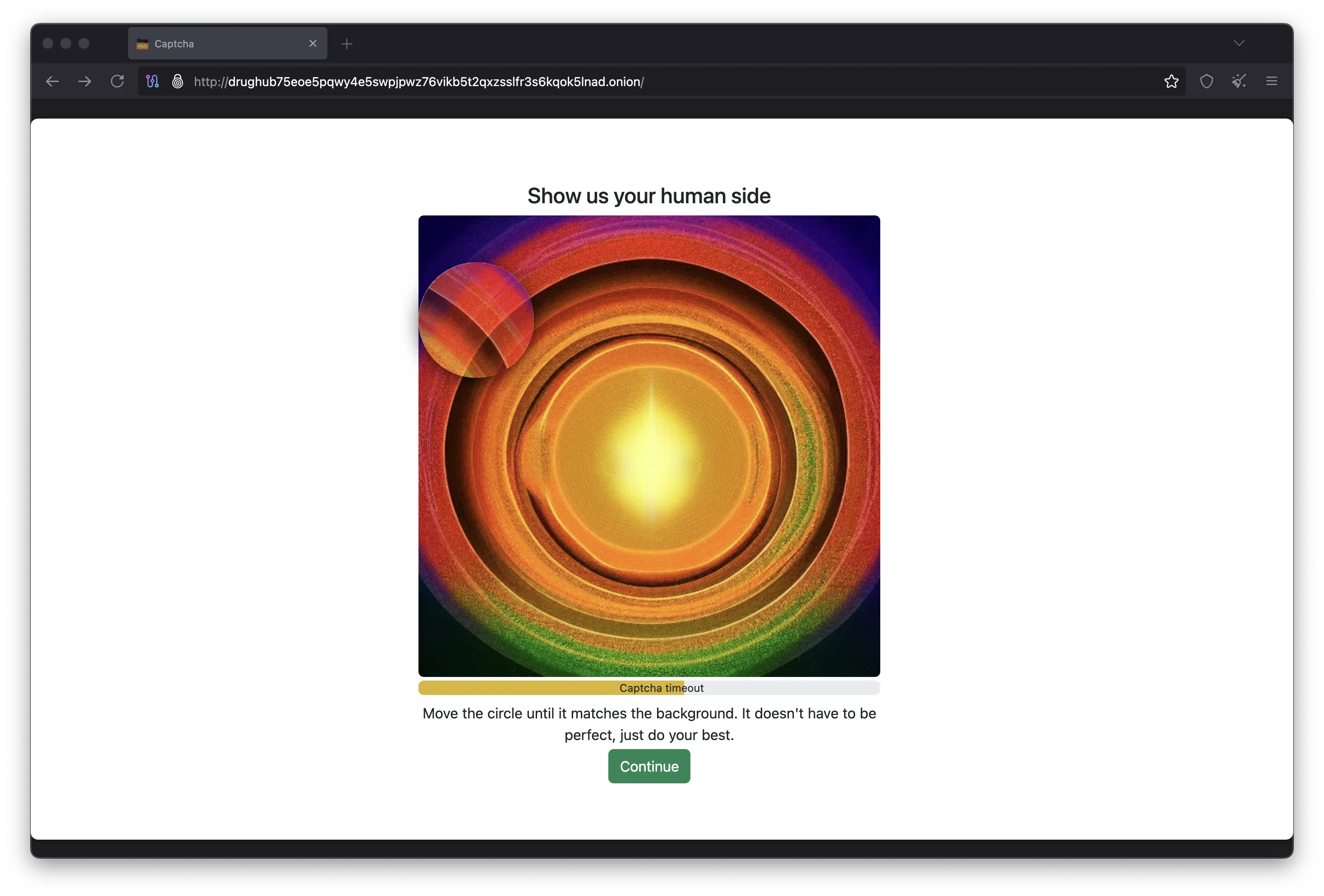
Open Tor Browser (set to Safest security level) and paste a PGP-verified .onion address into the address bar. Use the primary mirror link:
drughub75eoe5pqwy4e5swpjpwz76vikb5t2qxzsslfr3s6kqok5lnad.onion
The connection may take 10 to 30 seconds because the Tor network adds multiple relay hops between you and the hidden service. If the page does not load after a minute, try a backup mirror from the verified mirror list.
Register Your Account with PGP
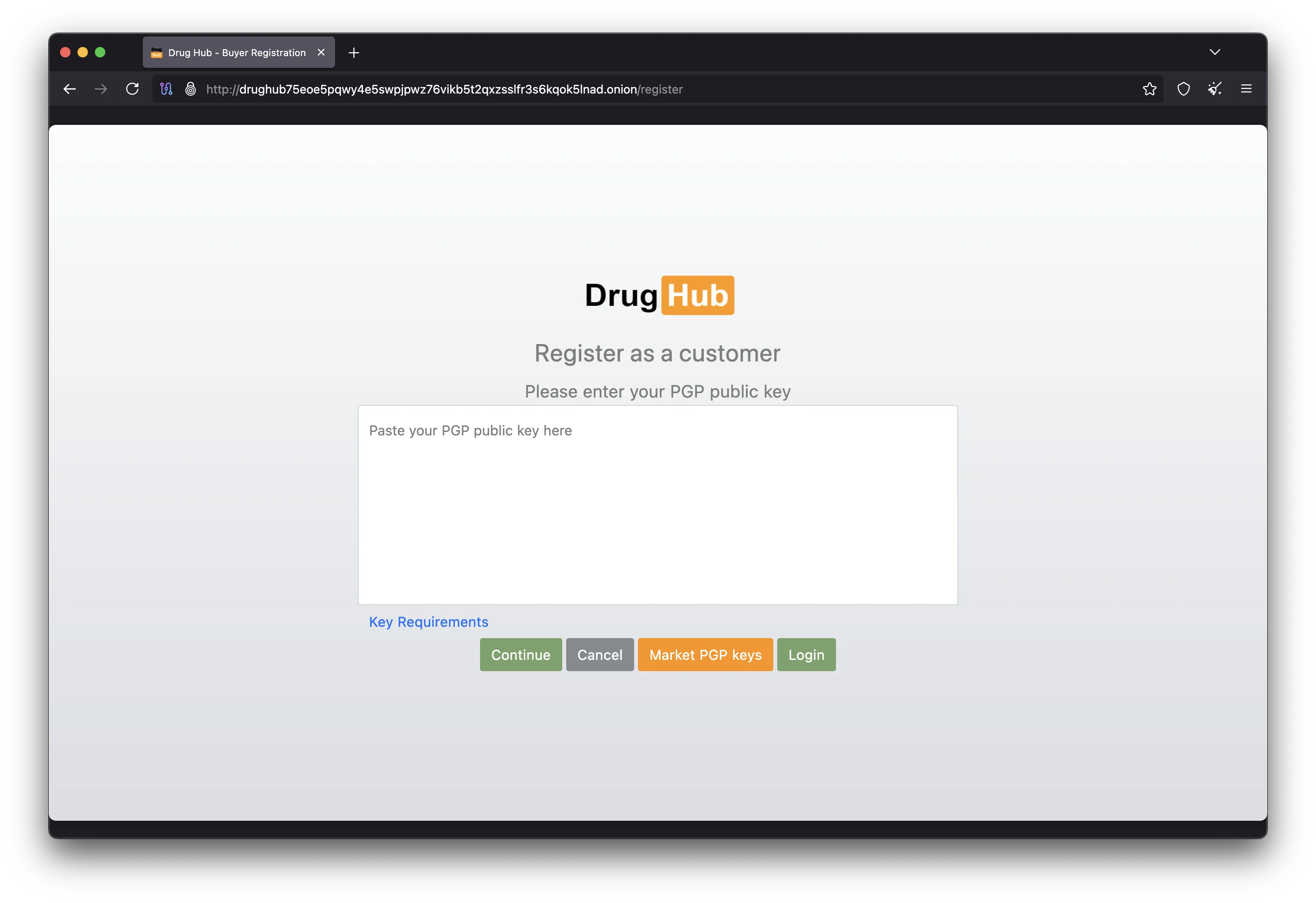
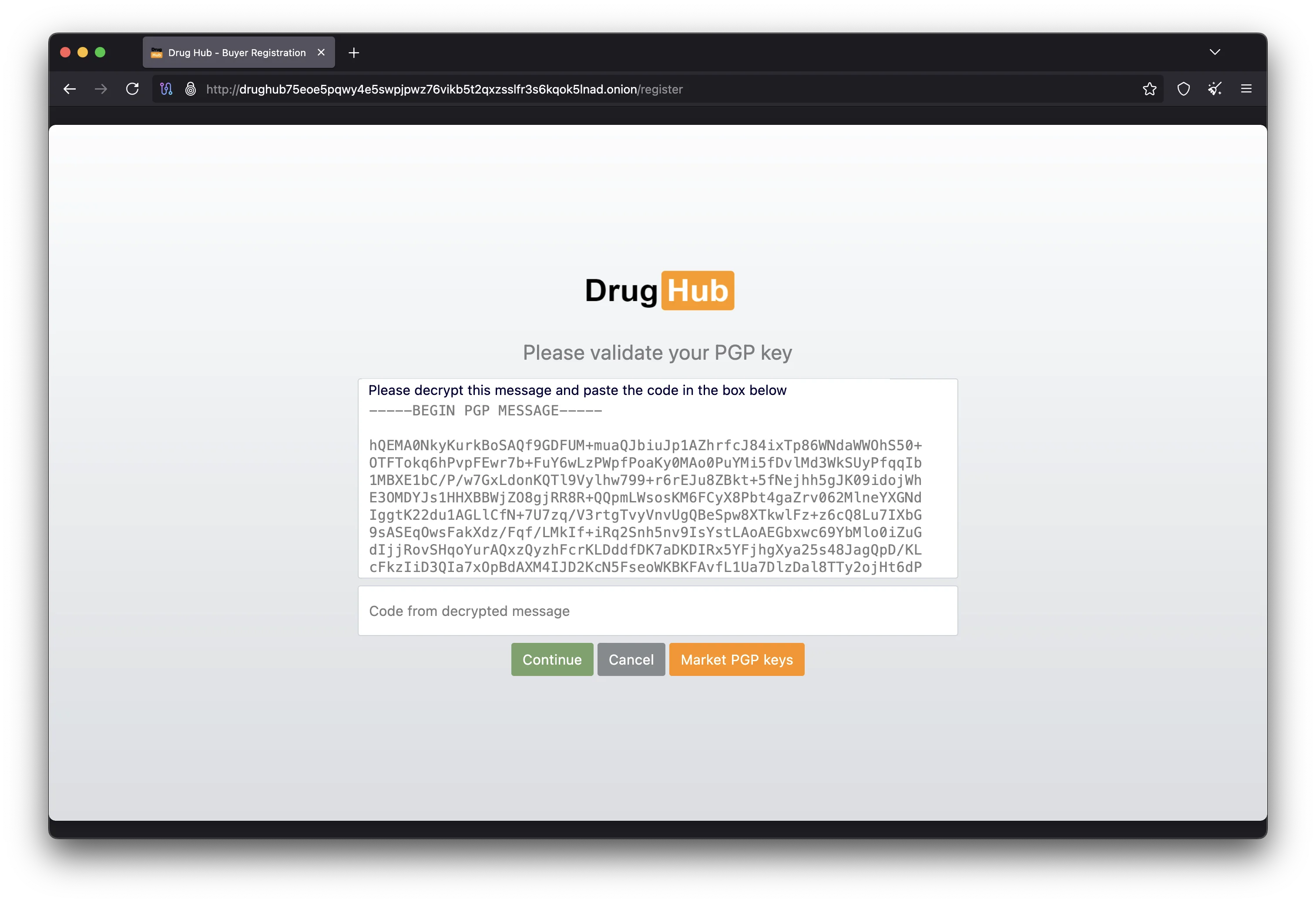
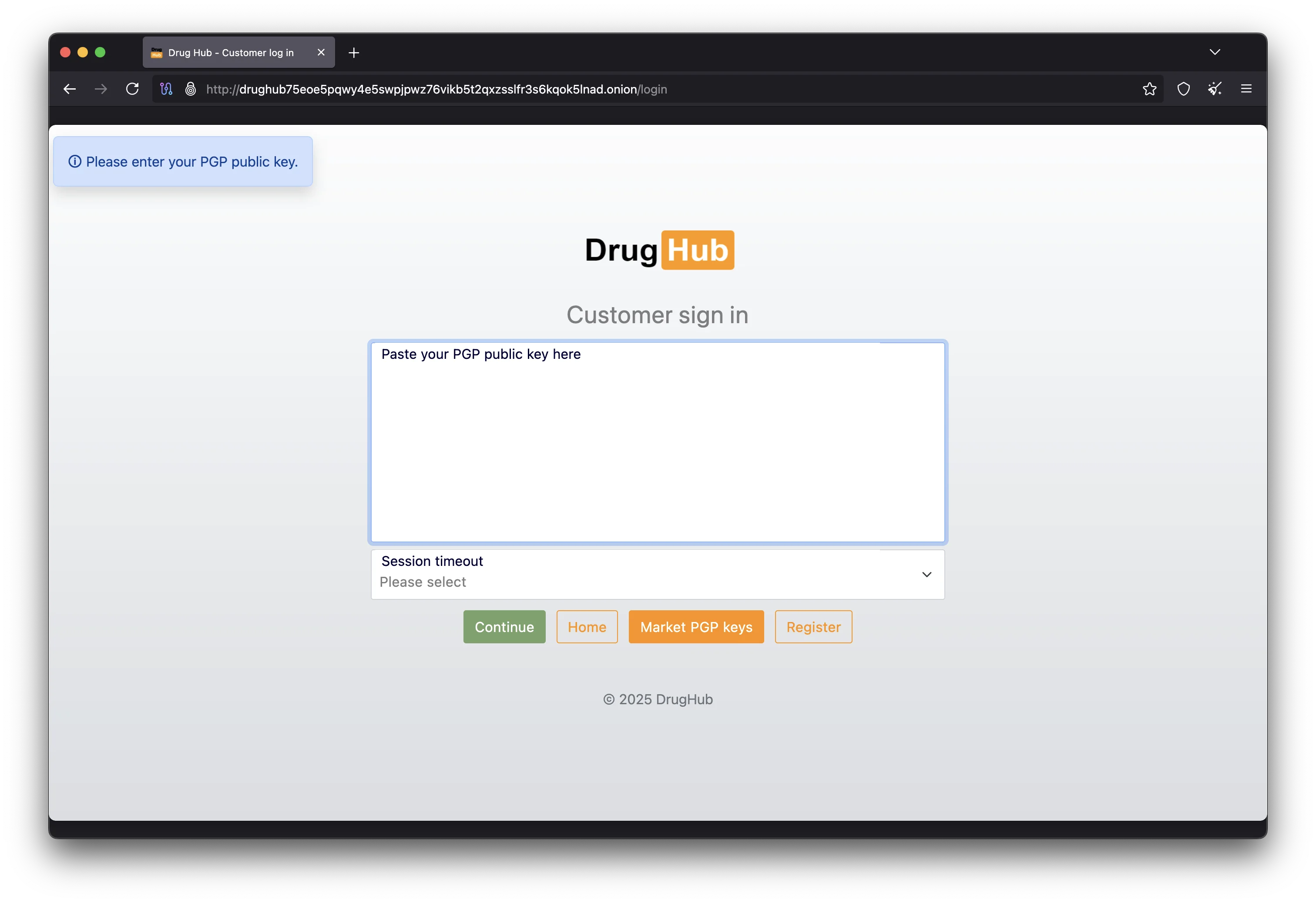
On the registration page, choose a username that is not connected to any identity you use elsewhere. Set a strong unique password and paste your PGP public key into the key field. The platform will send you an encrypted verification message that only you can decrypt with your private key. Decrypt it using gpg --decrypt message.asc and enter the code on the registration page to confirm your key works. This same key will be used for 2FA on every future login.
Set Your Anti-Phishing Canary
During account setup, the platform asks you to create a personal anti-phishing phrase. This phrase appears on every page after you log in. Since only the legitimate marketplace database knows your phrase, seeing it confirms you are on the real site and not a phishing clone. Choose a memorable phrase that is unique — not a common saying or quote. Check it every single time you log in through any mirror URL.
Enable PGP Two-Factor Authentication
Go to your account security settings and enable PGP-based 2FA. With this activated, every login attempt will require you to decrypt a challenge message with your private key in addition to entering your password. This protection means that even if a phishing site captures your password, or if the marketplace database is ever breached, your account remains secure. PGP 2FA is the strongest form of authentication available on any darknet marketplace platform. Without your private key file, nobody can access your account.
Advanced Security Setup for DrugHub Market Users
The steps above give you a solid security foundation for accessing the marketplace. The recommendations in this section go further, targeting users who want the highest level of protection available. These tools and techniques add defense in depth so that a single failure at any point does not expose your identity or compromise your marketplace account. Experienced darknet users typically combine several of these measures together.
Whonix & Qubes OS
Whonix isolates your Tor connection inside a virtual machine, so browser exploits cannot reach your real system. Qubes OS runs each application in a separate security domain. Combining Qubes with Whonix provides hardware-level isolation that many vendor and buyer accounts use for daily marketplace access.
KeePassXC Password Management
Never reuse passwords between the marketplace and other accounts. KeePassXC is an offline password manager that stores credentials in a locally encrypted database without transmitting data over the network. Generate a unique password for your market login and store it in KeePassXC. On Tails, keep the database in Persistent Storage.
VeraCrypt Encrypted Volumes
VeraCrypt creates encrypted containers that appear as normal files until mounted with the correct password. Store your PGP key backups, seed phrases, and marketplace files inside a VeraCrypt volume. Even with physical drive access, data is unreadable without the passphrase. Hidden volumes provide additional plausible deniability.
OnionShare for Secure File Transfers
OnionShare lets you send and receive files over the Tor network without third-party services. It creates a temporary onion address for direct file transfers, useful for sharing PGP-signed documents or encrypted messages related to marketplace activity. The transfer is end-to-end encrypted and the hidden service shuts down after completion.
The Privacy Guides website maintains updated recommendations for privacy tools, encrypted messaging apps, and secure operating systems. It is a good resource to review periodically as new tools emerge and older ones receive security updates. You can also find privacy-focused guides in the DrugHub Wiki.
Navigating DrugHub Market Listings & Vendor Trust
After your account is set up and secured, you are ready to browse the marketplace. The platform organizes listings by category with search filters for price, shipping region, vendor rating, and escrow type. Understanding how the trust system works helps you identify reliable sellers and avoid the small number of bad actors that exist on any marketplace platform.
Every verified vendor on the DrugHub marketplace has a public profile with transaction history and buyer feedback scores. New sellers must pay a vendor bond before listing, filtering out scammers. Look for vendors with high sales counts, feedback above 95%, and verified PGP keys. Always use the escrow system, which holds your Monero until you confirm delivery. Multisig escrow adds protection by requiring signatures from both buyer and marketplace before funds move.
For a full overview of the marketplace and its features, visit the main DrugHub informational site or return to our home page for quick access to all resources.
DrugHub Market Access & Setup FAQ
Do I need Tails OS to access DrugHub Market?
Tails is not required, but strongly recommended for marketplace access. You can use Tor Browser on Windows, macOS, or Linux. Tails provides better protection by leaving no traces and routing all traffic through Tor at the OS level. At minimum, use Tor Browser with the security level set to Safest.
Can I use a VPN with Tor Browser to access DrugHub?
Using a VPN alongside Tor adds minimal benefit and can reduce anonymity. Tor already hides your IP through three encrypted relays. Adding a VPN means trusting the provider not to log your connection. Unless your threat model specifically requires it, Tor Browser alone is recommended for accessing the marketplace.
How do I verify that a DrugHub mirror URL is legitimate?
Import the official PGP public key into GnuPG and run gpg --verify on the signed mirror list. A "Good signature" result confirms the URLs are authentic. Cross-reference against our DrugHub mirror links page. Never use an onion URL you cannot verify through at least two sources.
Why does DrugHub use Monero instead of Bitcoin?
Bitcoin transactions are publicly traceable through blockchain analysis. Monero uses ring signatures, stealth addresses, and RingCT to hide the sender, receiver, and amount of every payment. The marketplace moved to Monero-only payments to give every user the strongest financial privacy by default.
What is multisig escrow on the DrugHub marketplace?
Standard escrow holds your Monero on the platform until you confirm delivery. Multisig escrow distributes fund control across three parties: buyer, seller, and marketplace. Any two must agree to release or refund payment, protecting you even if the marketplace goes offline. Multisig is recommended for high-value purchases.
What should I do if I cannot connect to any DrugHub mirror?
Update Tor Browser to the latest version and restart. Try each mirror URL one at a time. If bridges are enabled, try switching types or disabling them. If no mirrors load, the marketplace may be undergoing maintenance or a DDoS attack. Check Dread for status updates. Never search for market URLs on clearnet search engines.
How do I keep my DrugHub account secure long-term?
Enable PGP-based 2FA immediately after creating your account. Use a unique password stored in KeePassXC and check your anti-phishing canary on every login. Only access the marketplace through PGP-verified mirror URLs. If you suspect credential exposure, change your password immediately using a verified mirror.
Ready to Access DrugHub Market?
You now have everything you need to connect to the marketplace safely. Use a verified onion URL and follow the security steps above to protect your account and your privacy. Visit the DrugHub Market main site for platform documentation, or browse verified DrugHub mirror links to find a working onion address.